A simple email
command centre for
our agency team.
Create campaigns, manage contacts, reuse templates, and track performance from one clean workspace built for our team.
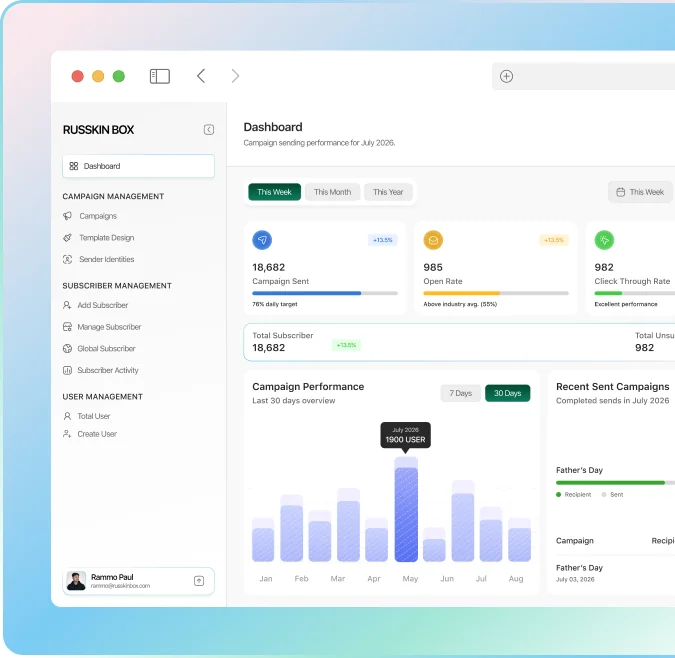
Agency email work gets messy fast.
Russkin Box brings the core email workflow into one private system,
so the team can plan, send, and review campaigns with less confusion.
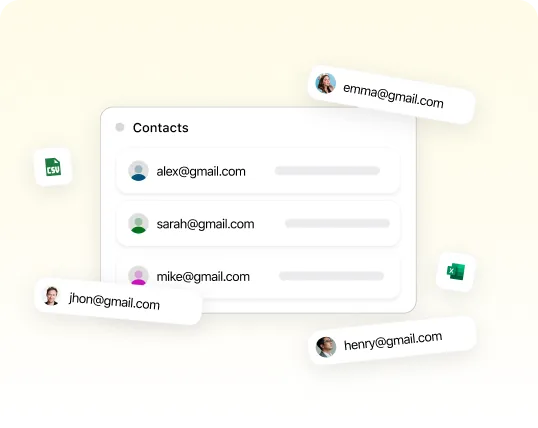
Scattered contacts
Client lists become hard to manage when files spread across many tools.

Lost templates
Client lists become hard to manage when files spread across many tools.
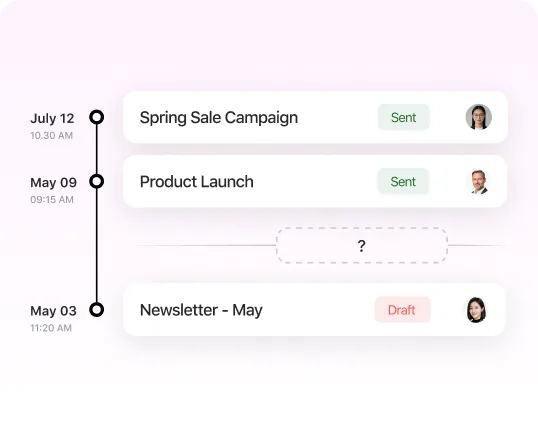
No clear
campaign history
It becomes hard to see what was sent, when, and for which client.
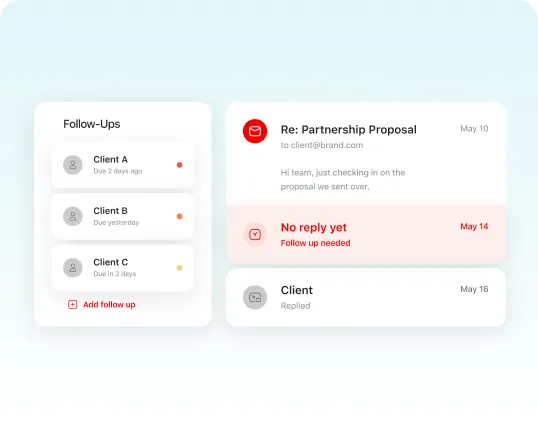
Weak follow-up
tracking
Important follow-ups get missed when the team depends only on chat notes.
Every feature our team
needs for email work
Plan campaigns, manage contacts, reuse templates,
automate follow-ups, and track results from one private workspace.

Create and organise email campaigns for different clients, brands, and internal projects.
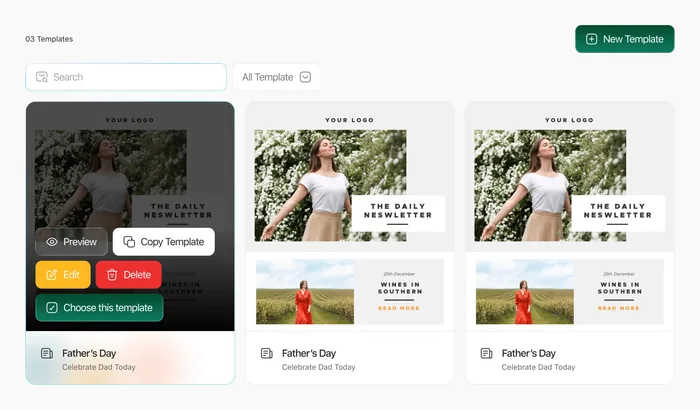

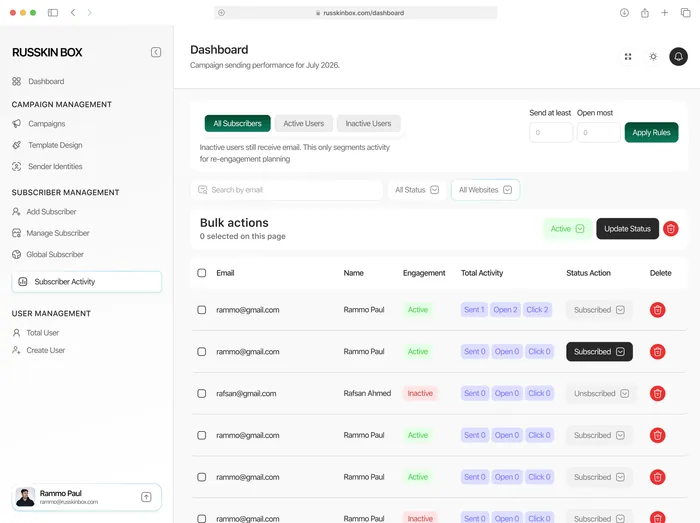
Keep client contacts, audience groups, and team lists in a clean place.
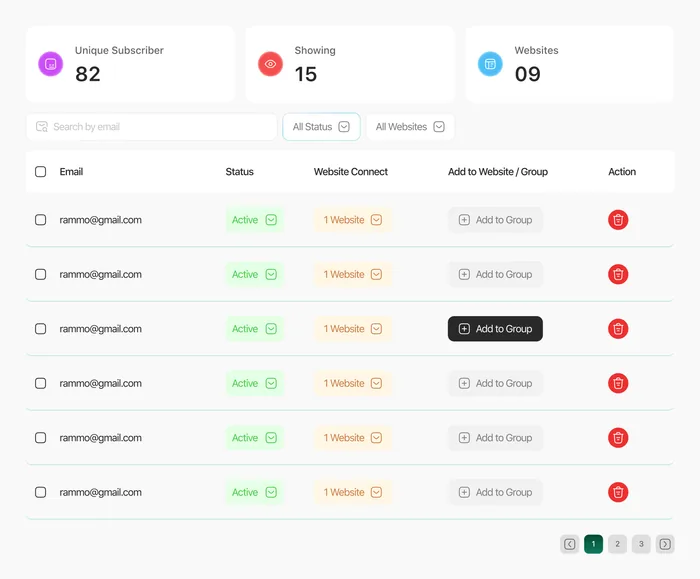

Save reusable templates for offers, newsletters, updates, and client campaigns.
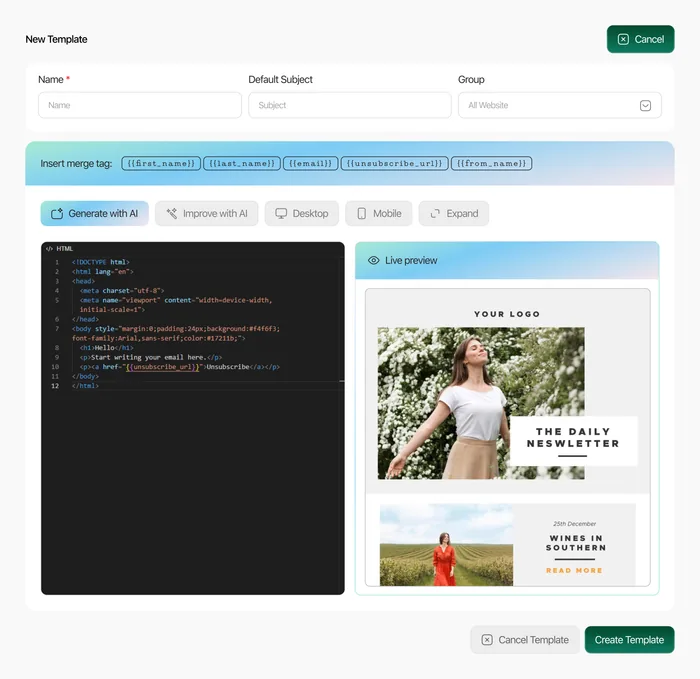

Track opens, clicks, campaign status, and list activity without messy spreadsheets.
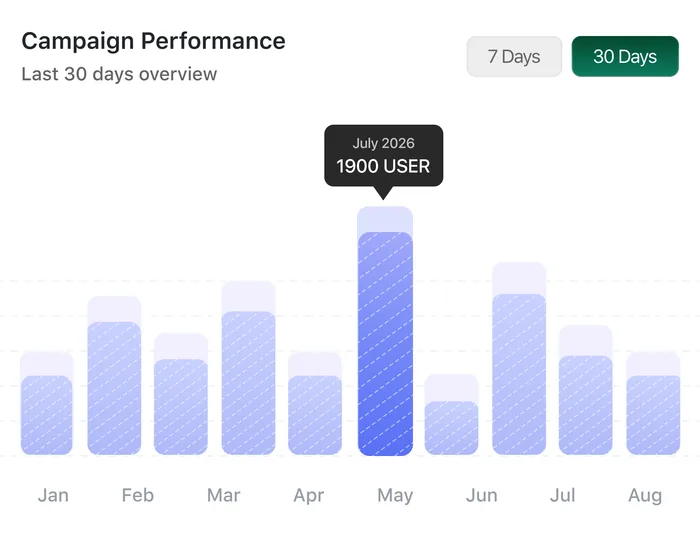

Set basic follow-up flows for welcome emails, reminders, and campaign sequences.
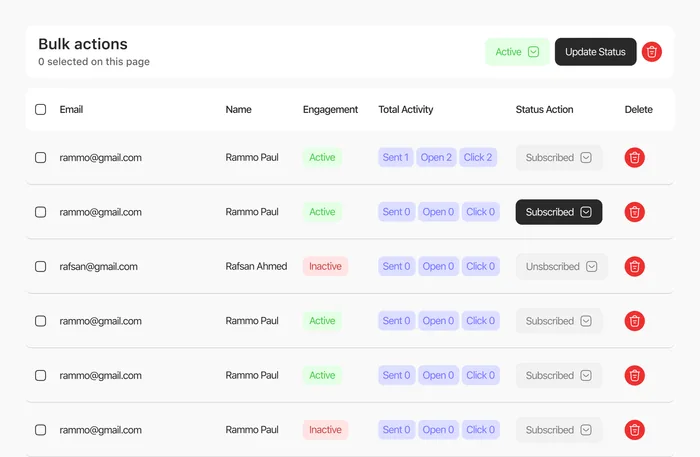

Give the team one shared place to prepare, review, and manage email work.
From idea to campaign
review in four clear steps.
Plan
Choose the client, audience list, campaign goal, and email template.
Send
Prepare the campaign, review the message, and send it from one workspace.
Track
Check the results, save notes, and plan the next follow-up.
Reports
See how this campaign performed after sending.
Plan
Choose the client, audience list, campaign goal, and email template.
Send
Prepare the campaign, review the message, and send it from one workspace.
Track
Check the results, save notes, and plan the next follow-up.
Reports
See how this campaign performed after sending.
Private Tool FAQ
No, Russkin Box is not a self-service product open to the public. It is operated to manage email communications for a group of affiliated companies, each with its own account. Every account can manage campaigns, contacts, email templates, reports, and simple follow-ups in one clean place. The goal is to keep everyday email work organised and easy to track.
Bring our email work
into one clean box.
Use Russkin Box to plan campaigns, manage lists, save templates, and review results with the team.